


Audisense, a real product produced with AI
A designer and an AI are building a real product, from happy to difficult moments
About the work relationship
This was my first time working with Claude. I had used AI tools before, mostly for quick tasks, videos, and image generation. Never for something this big, and never as a real working partner.
So I started with a simple deal. Claude would be the hard worker, and I would be the decider. It would write the code, explain the options, and tell me when something was wrong. I would choose the direction, set the rules, and test every step in the browser before moving on.
It has been months since this project started. I have grown, and Claude has grown too. We got better at working together.
This page is about that process. Not a perfect story, but a real one, step by step, from the first setup to a product that is almost finished.
If you still not read about the ideation process, just click here and know more about how the idea come to live.
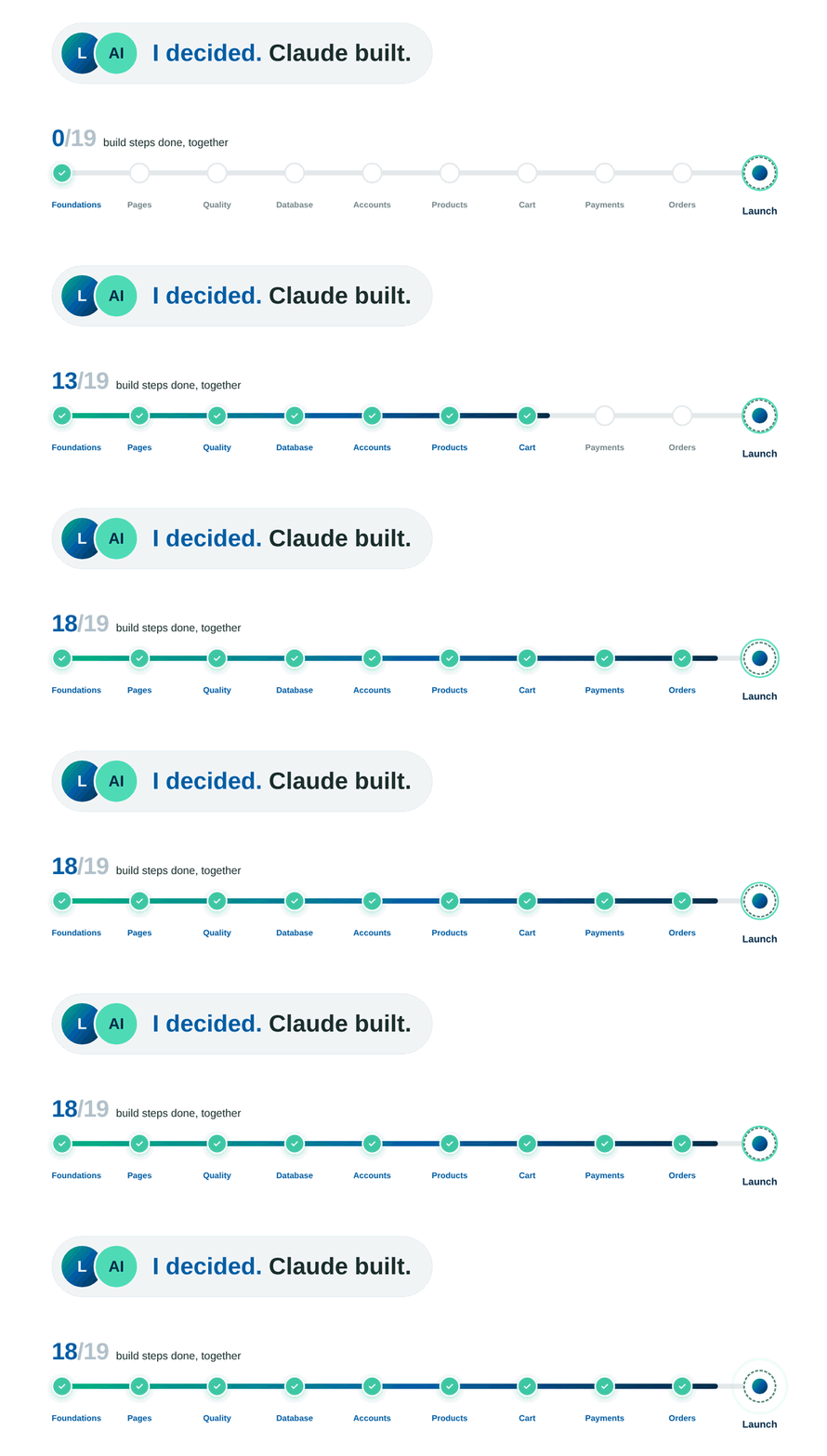
The project’s scope encompassed:
How we worked
I didn’t work with one Claude. I worked with two, and I was the bridge between them.
The first one live in the chat. It was my architect. It planned each step, wrote the instructions for the build, and helped me understand what went wrong. The second was Claude Code, running on my computer. It was the builder. It wrote the code, ran the commands, and reported back. Nothing moved forward until I had tested it in the browser myself.
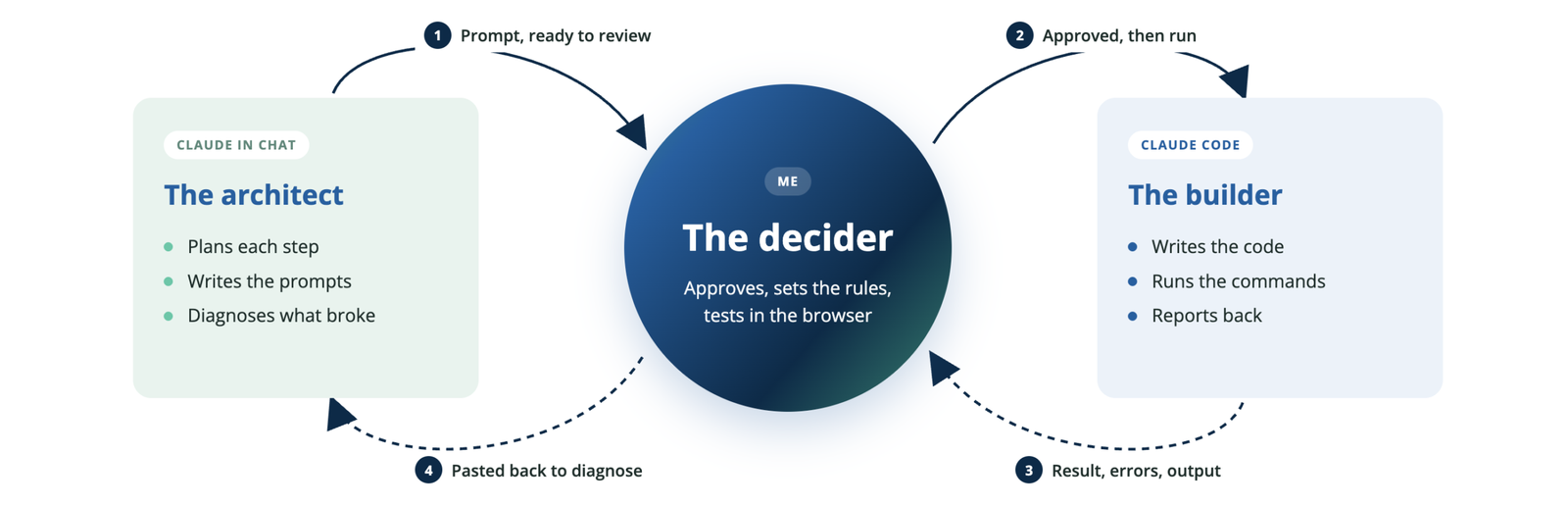
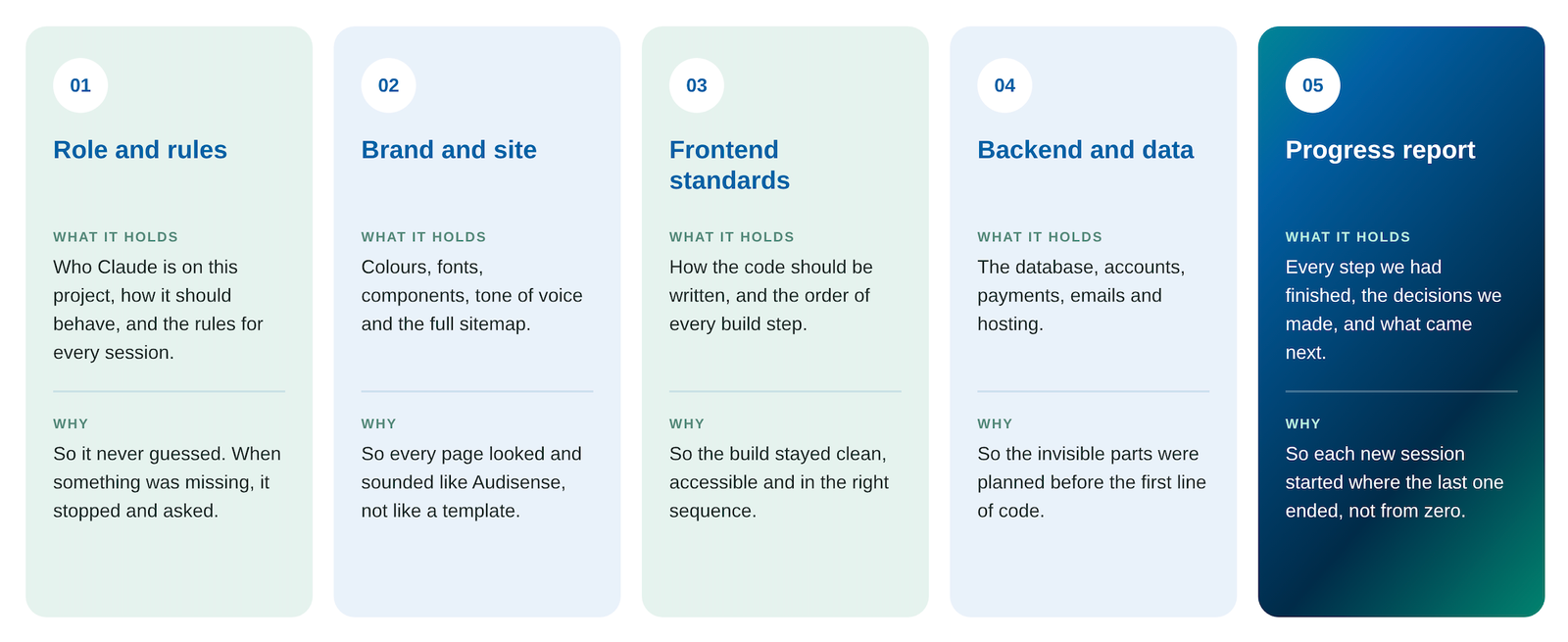
To keep both Claudes on the same page, I wrote five project files: one for the role and the rules, one for the brand and the sitemap, one for the frontend standards, one for the backend and data, and a report with every step we had achieved so far. Both read them at the start of every session. In practice, they worked like a brief for a new teammate. The clearer the brief, the better the work.
Seven times I didn’t just trust the AI
Claude wrote almost all of the code. It was fast, confident and usually right. Usually.
The real difference I made was not trusting it blindly. These are seven moments where I stopped, asked questions and changed the course, in the order they happened.
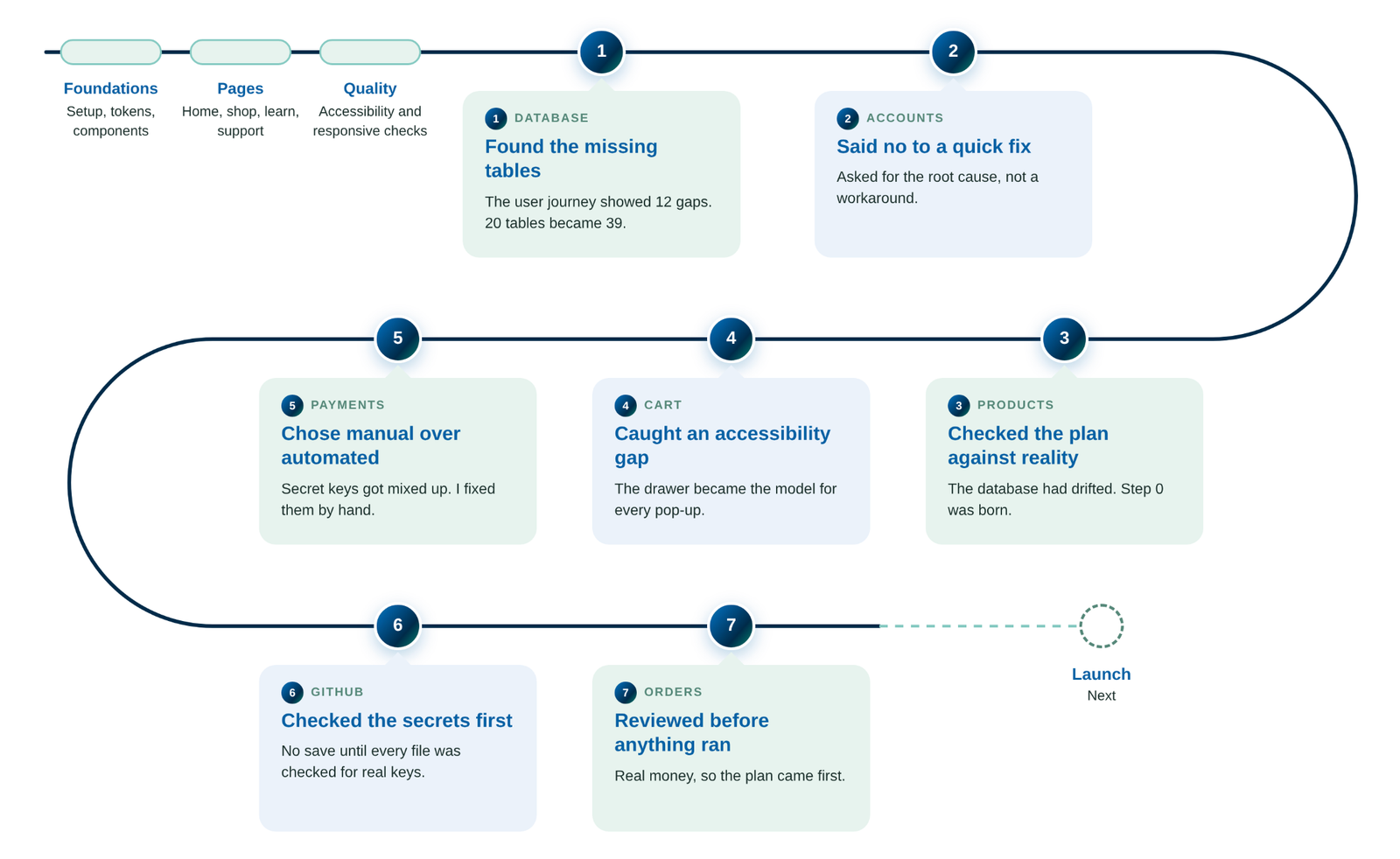
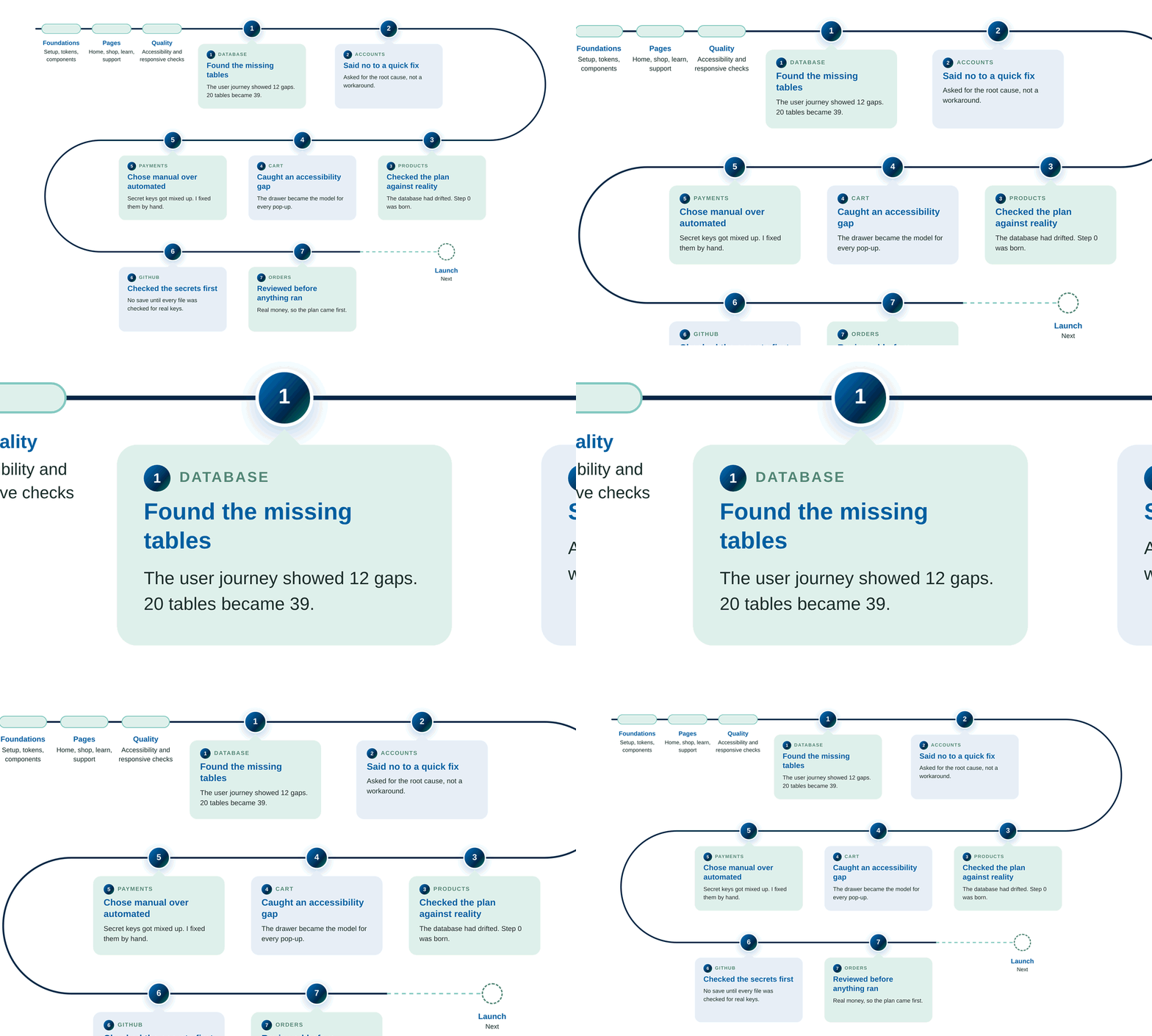
1. Database: the tables that were missing
Claude’s plan had 20 tables and was ready to run. Something felt incomplete.
I said: “We need to review this. I think there are missing tables. Let’s break down the user journey.” Nine journeys later, 12 tables were missing. The database grew to 39.
What it taught me: the user journey, a designer’s tool, is also the best test for a technical plan.
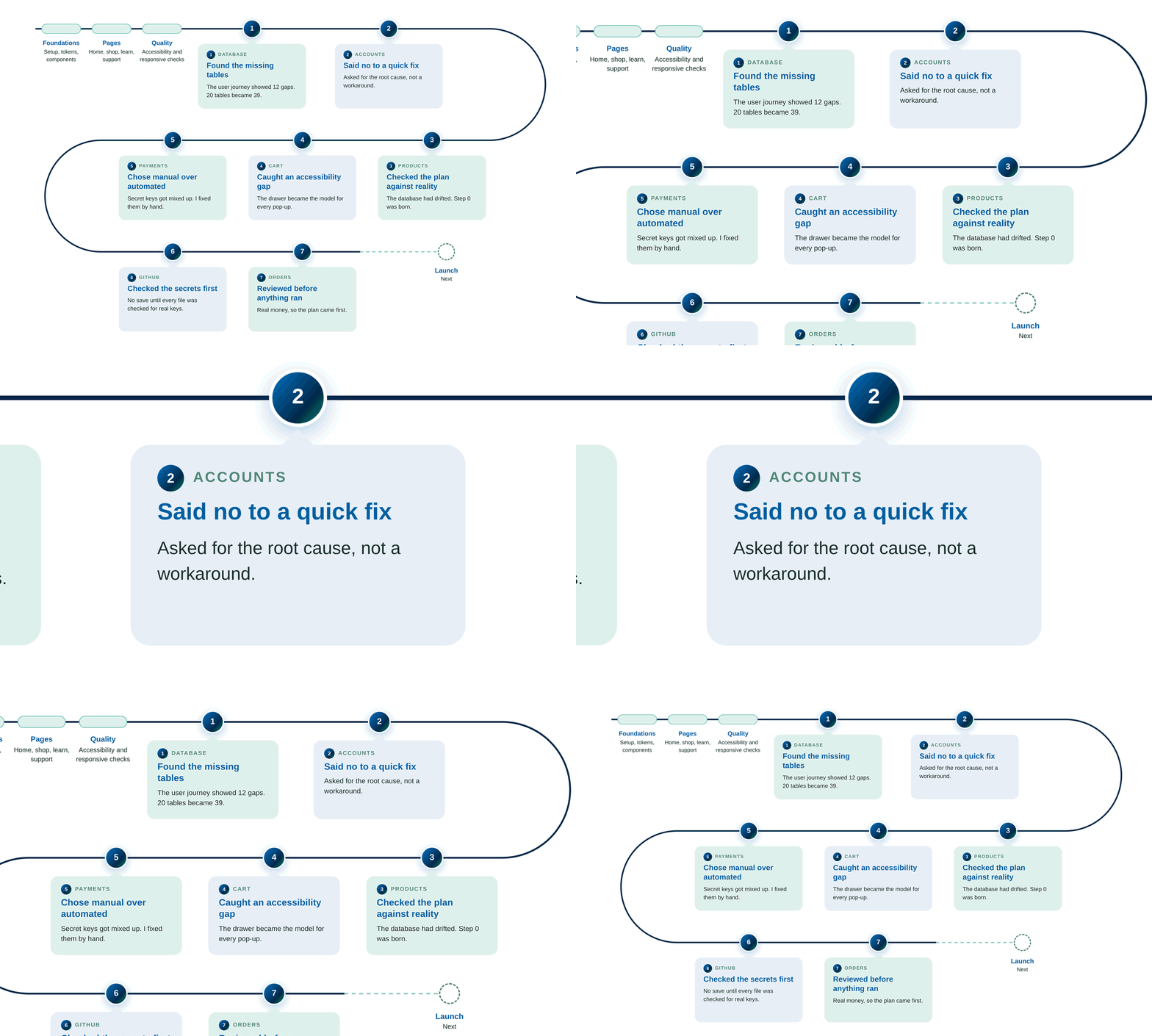
2. Login: saying no to a quick fix
Signing out started to freeze. Claude’s first fix cleaned up the mess after it happened. Its next idea was to switch off a safety lock.
I asked: “Can’t we stop the problem from being created in the first place?” Claude agreed it was a band-aid and rebuilt the logic properly.
What it taught me: a fix that treats the symptom comes back. Now I always ask: is this the root cause?
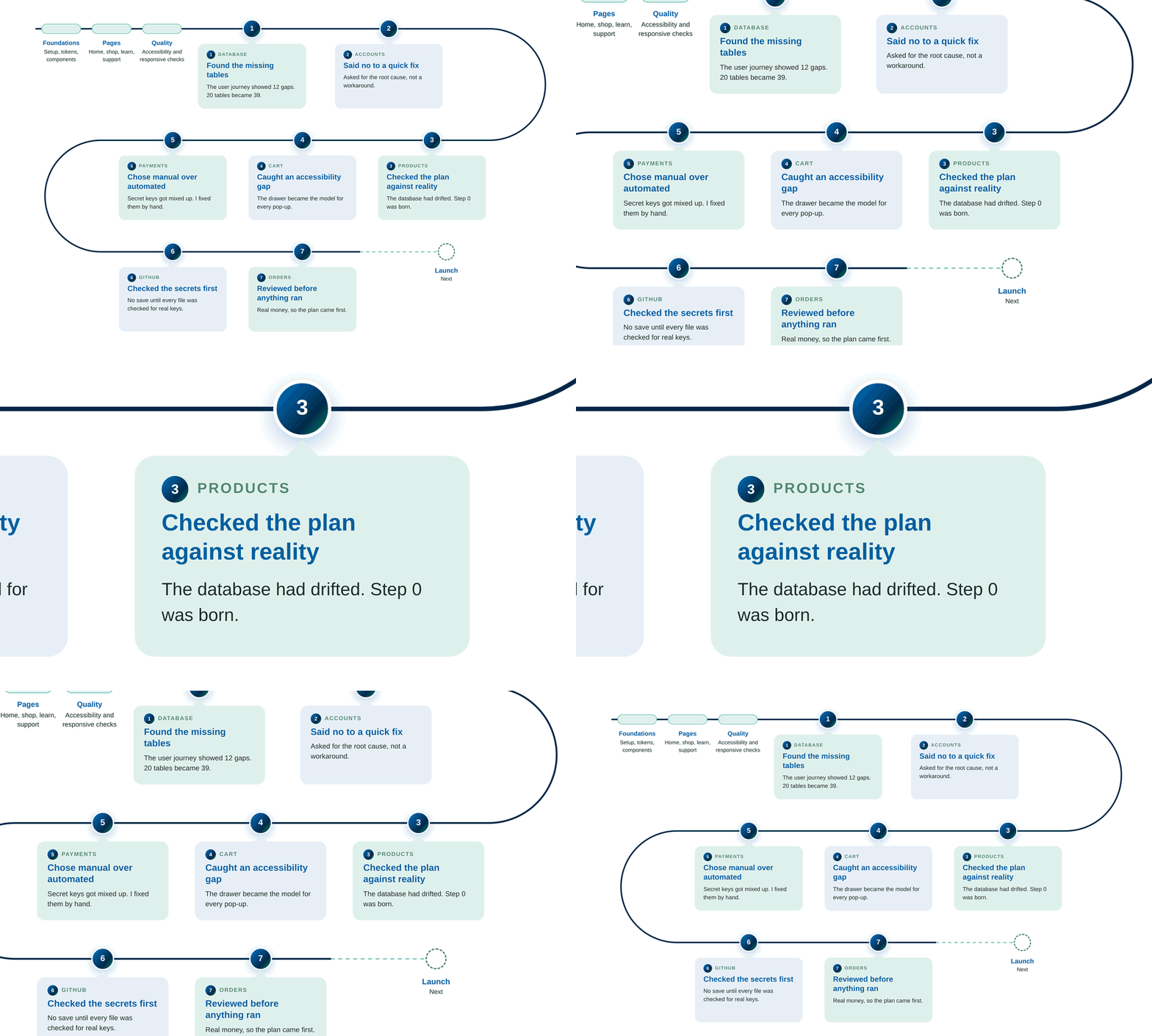
3. Products: the database didn’t match the plan
When the products moved into the real database, it no longer matched the plan.
Claude suggested fixing some of it later. I said no, twice. Both times, fixing it right away was the better call.
What it taught me: plans drift. From then on, every step started by checking the live database. We called it Step 0.
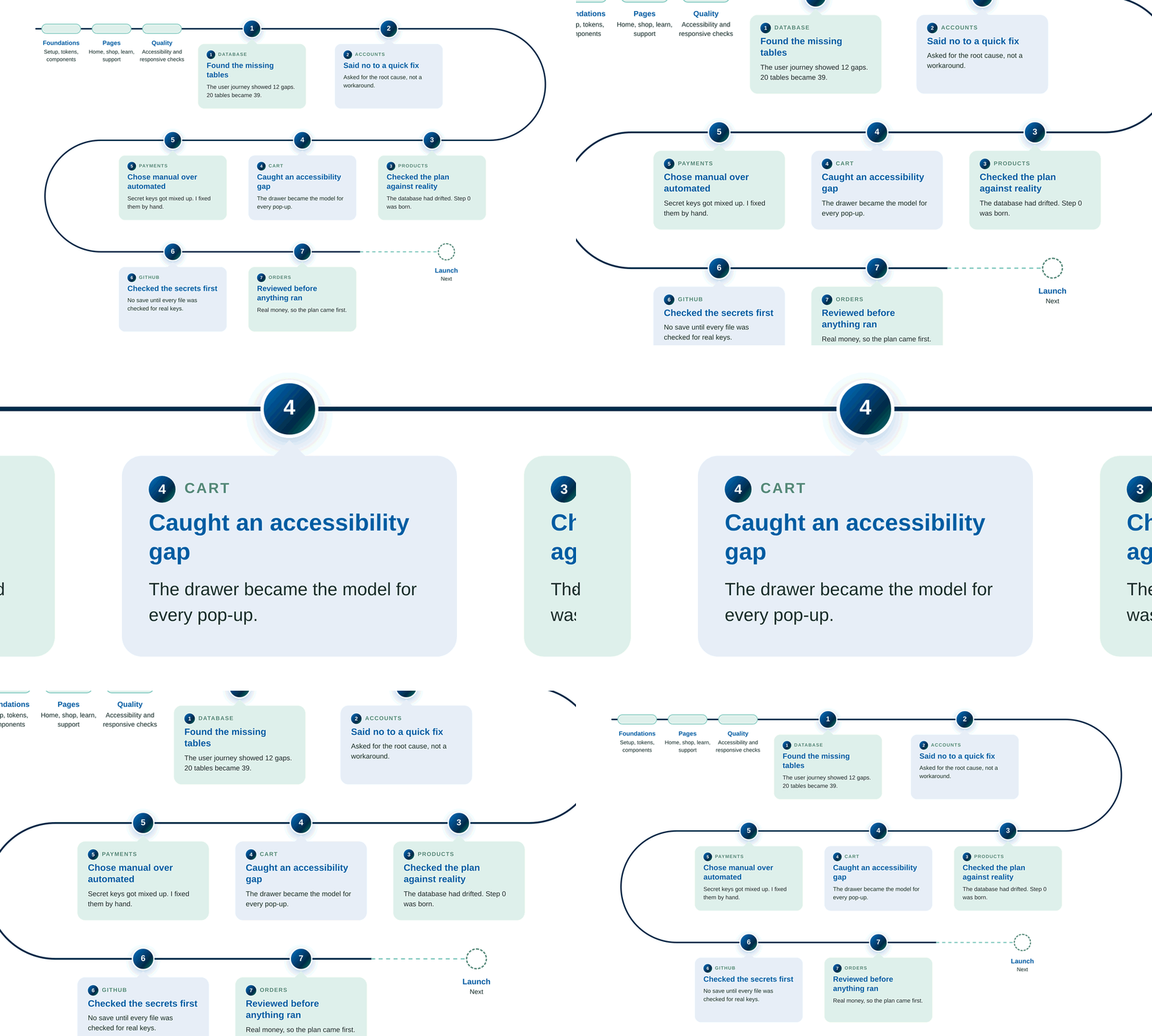
4. Cart: the detail a test didn’t catch
The cart drawer was built after our accessibility audit. The browser flagged a problem: keyboard users could land on buttons they couldn’t see.
We fixed it properly. Focus now moves into the drawer, stays there, and returns to where you were when it closes.
What it taught me: my audience is older, and many use assistive tools. The cart became the model for every pop-up.
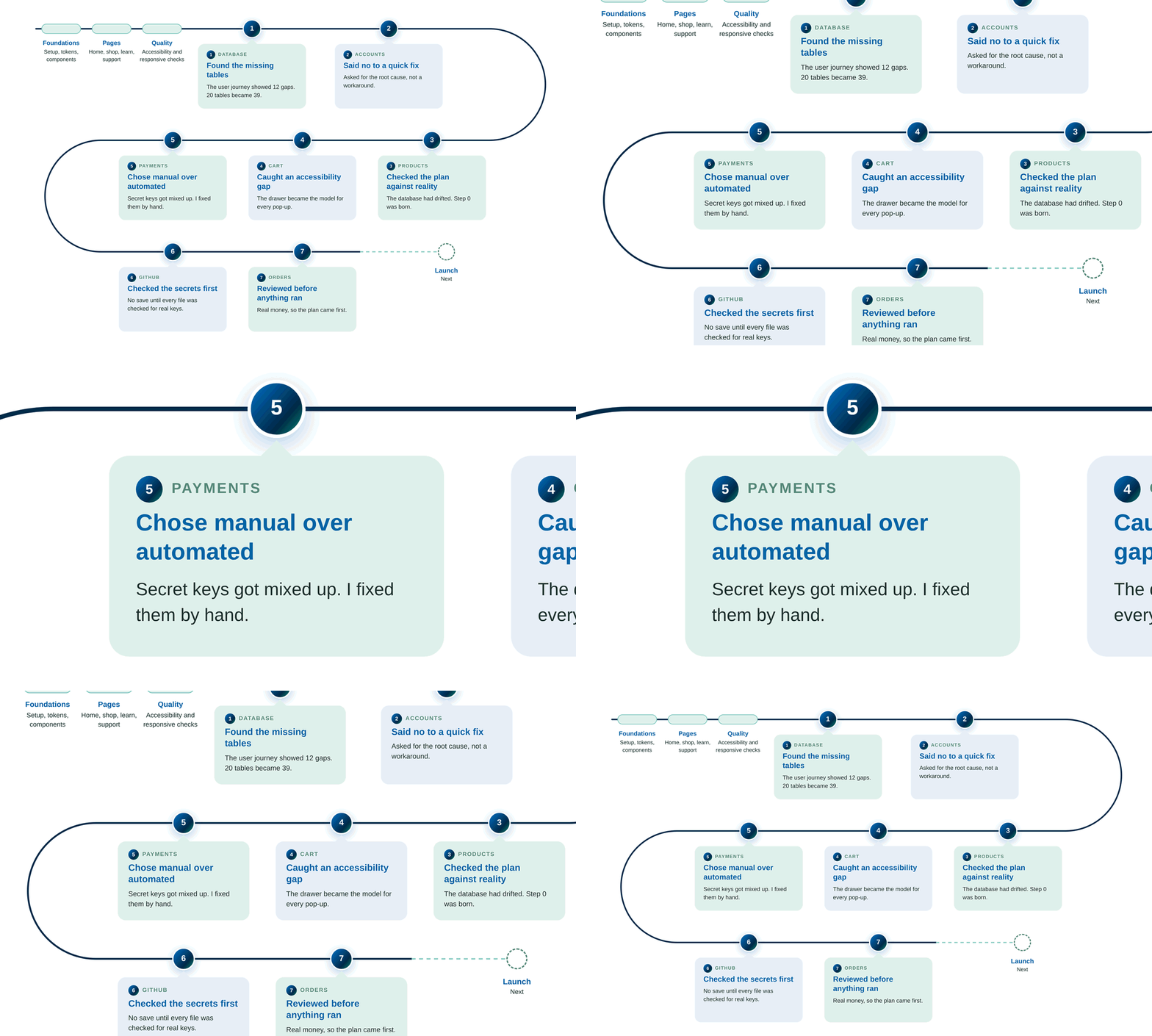
5. Payments: when the automated way broke things
Claude’s commands to update the file with the secret keys went wrong. Then it changed its mind about the cause.
I asked: “Are you sure? Isn’t it better to check the real key first?” We stopped the commands, and I fixed the file by hand.
What it taught me: faster is not always safer. Sensitive files get slow, manual care.
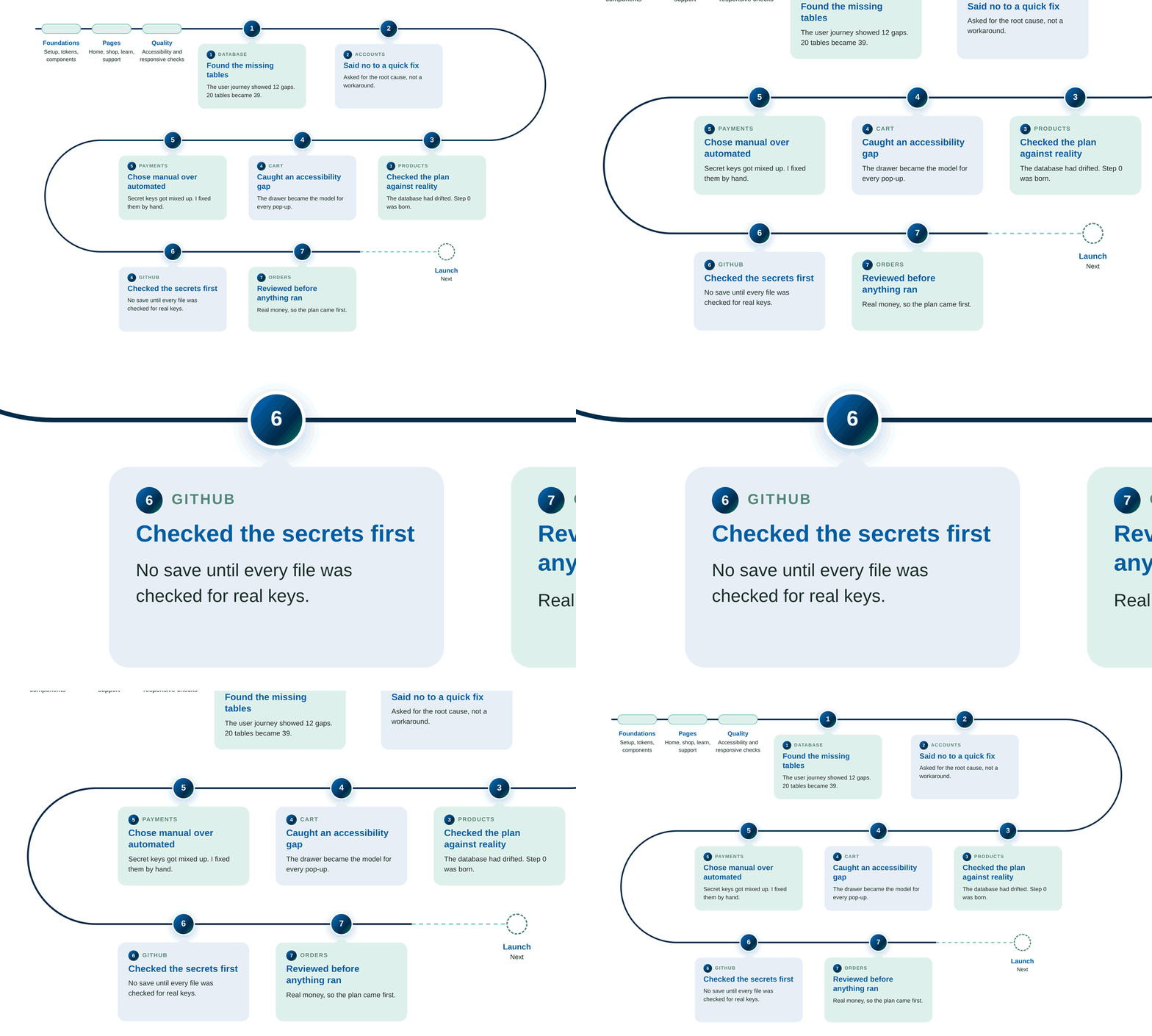
6. GitHub: checking the secrets before saving
Claude was one command away from the first save to GitHub.
I stopped it: “Before the commit, I want you to check the secrets are safe.” We saved only after every file was checked for real keys.
What it taught me: security is a question I ask every time something leaves my computer.
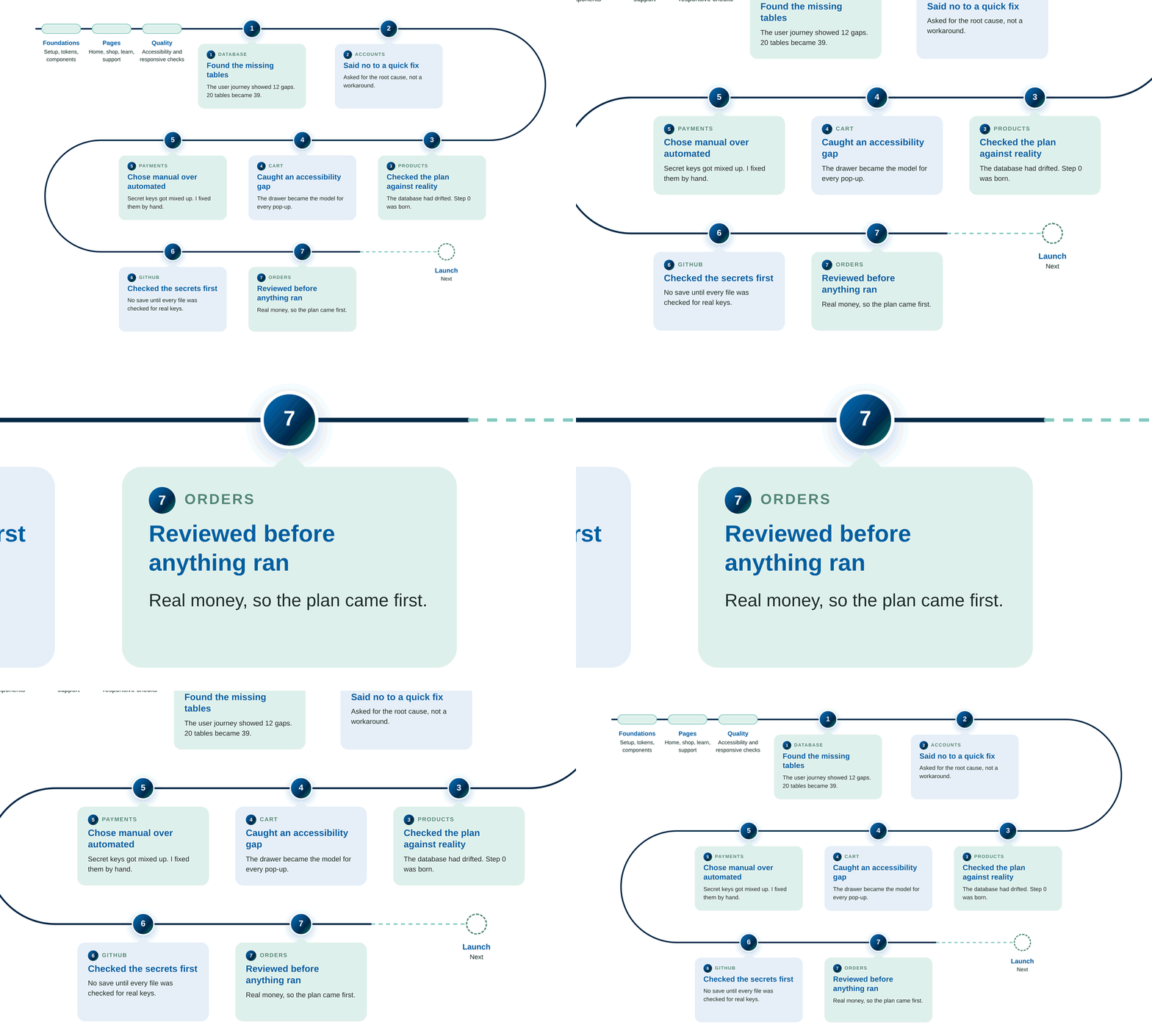
7. Orders: reviewing before anything ran
This step handled real money. I asked Claude Code to plan first and touch nothing. Then I had the plan reviewed for security, risk to my computer and efficiency.
The review found one gap in how guest orders were protected. We closed it before any code was written.
What it taught me: when money and personal data are involved, the decider’s job is to slow down.
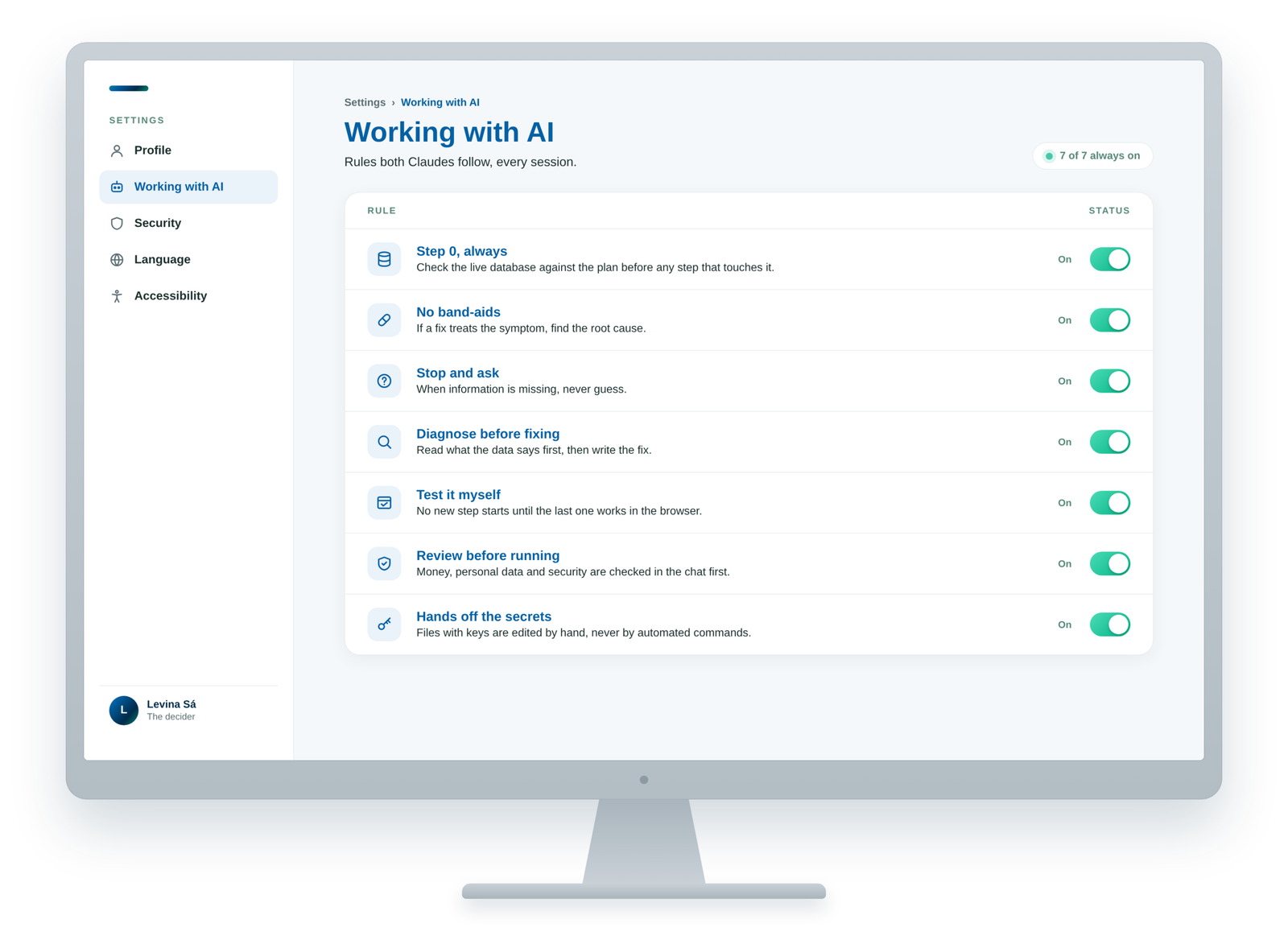
The rules I set
Every time something went wrong, I turned the lesson into a rule. Both Claudes read them at the start of every session, so the same mistake didn’t happen twice. These rules are the clearest proof of who was deciding.
Step 0, always. Check the live database against the plan before any step that touches it.
No band-aids. If a fix treats the symptom, find the root cause.
Stop and ask. When information is missing, never guess.
Diagnose before fixing. Read what the data says first, then write the fix.
Test it myself. No new step starts until the last one works in the browser.
Review before running. Anything with money, personal data or security is checked in the chat first.
Hands off the secrets. Files with keys are edited by hand, never by automated commands.
What it changed in me
As a designer, there was always a distance between my work and the real product. I designed the screens, handed them over, and waited to see what came back. With AI, that distance disappeared. Now, designers can see their prototypes come alive.
But this can bring designers a different perspective. I didn’t stop at the screens. I thought about the whole product: the data behind it, the rules it follows. Then I watched it take shape, step by step.
This is a new era for designers. We don’t have to wait for someone else to build our ideas, and we don’t have to become developers either. AI can do the heavy lifting. The vision, the judgment and the care for the people who use the product are still ours, designers.
Still building
Audisense isn’t live yet. The next step is the launch: putting the site online, verifying Apple Pay on the real domain, and switching to a stricter way of changing the database once real customers arrive.
This page will grow with the product. When the site goes live, that part of the story will be here too.